The price of solid-state drives (SSDs) is on the rise, transforming them from what many once viewed as disposable commodities into valuable investments. With a surge in demand from artificial intelligence companies and a predicted stabilization not expected until 2027 or 2028, consumers are feeling the impact. High-capacity drives, particularly those of 4TB and larger, are now priced similarly to precious metals.
As these prices climb, the most practical approach for users is to protect their existing SSDs rather than purchase new ones. Here are several strategies to ensure the longevity of your current drive during this market shift.
Manage Free Space Effectively
One major factor affecting SSD performance is storage capacity. When SSDs approach fullness, the controller must constantly relocate existing data to create space for new files, which accelerates wear on NAND cells. Users may notice performance issues, such as stuttering in their operating systems or games when free space is limited.
To prevent this, it is advisable to maintain at least 15% to 20% of the SSD’s capacity as free space. Uninstalling unused applications, particularly large games, and deleting unnecessary files—especially large videos—can help. Additionally, users can utilize tools like Samsung Magician and Crucial Storage Executive to establish over-provisioning. This method allocates a portion of the drive that is invisible to the operating system but accessible to the SSD controller, enhancing its lifespan.
Implement Thermal Management
Heat is a significant adversary to data retention in SSDs. While the controller operates efficiently at warmer temperatures, prolonged exposure to high heat—typically above 60°C—can degrade NAND flash cells. Users can monitor drive temperatures using tools such as Windows Task Manager, CrystalDiskInfo, or HWMonitor.
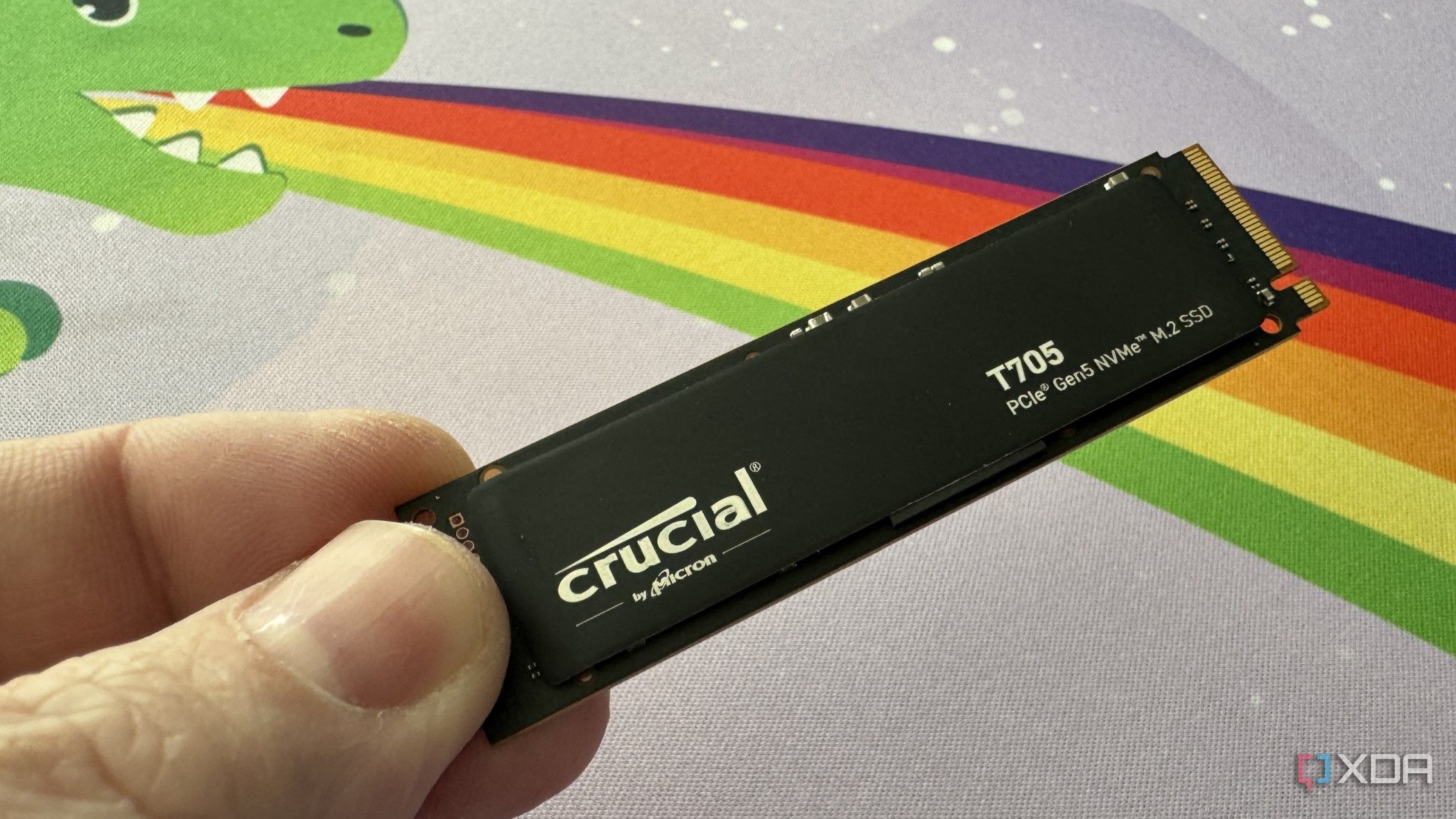
To mitigate overheating, installing a dedicated heatsink is recommended. High-performance drives, including PCIe 5.0 models, can reach thermal limits even during routine tasks like game installations. A dedicated heatsink can lower temperatures by approximately 15°C, reducing the risk of electron leakage in flash cells and ultimately prolonging the drive’s life.
Audit Background Operations
Another often-overlooked aspect is the impact of background applications on SSD wear. Operating systems, such as Windows and Linux, can generate significant write operations daily. While it may seem insignificant for larger drives, accumulating data from multiple background processes can quickly deplete available space.
To address this, users should review installed applications and remove those that are no longer necessary. Additionally, relocating browser caches to a RAM disk or secondary hard drive can free up substantial space. Disabling features like Windows hibernation prevents the operating system from writing all of its RAM contents to the SSD every time the device is closed, conserving valuable storage. Limiting search indexing to essential folders can also help minimize background data usage.
Keep Firmware Up to Date
Manufacturers frequently release firmware updates that optimize wear-levelling algorithms and resolve bugs that may cause excessive writing on SSDs. Regularly checking for these updates—ideally at least twice a year—can significantly enhance the longevity of your drive. Neglecting firmware updates can lead to performance issues that may result in costly replacements, with some drives priced at upwards of $300.
As the market experiences a significant shift, it is crucial for users to treat their SSDs as finite resources. By managing free space, implementing thermal controls, auditing background operations, and ensuring firmware is current, consumers can optimize their drives to navigate the current landscape without the need for immediate upgrades. This proactive approach may allow users to ride out the price increases anticipated until 2028, delaying the necessity for new purchases.